Blog · What's new · 3 November 2026
Introducing Every Hot Launch: alerts for any product link, from any store worldwide
Every Hot Launch sends you an alert when a product you want is back in stock or drops in price. Paste a link from any store worldwide, pay a one-off £5, and we watch it for you.
Every Hot Launch is a simple idea: you find the product you want, on the shop you want to buy from, and you paste the link. We watch that page and tell you when it comes back in stock or when the price drops. That is the whole product.
We built it because the way people chase hard-to-find launches is broken. If you have ever tried to buy a new console, a graphics card in launch week or a sought-after trading card set, you know the routine: refreshing the same pages, following accounts that post links after the stock has already gone, and signing up to "notify me" buttons that email you a day late, if at all.
How it works
There are three steps, and you never hand over control of your purchase.
- Paste a link. Copy the address of a product page from your browser and paste it into the box on our homepage or on any product page. It can be any store worldwide: a big retailer, a manufacturer's own shop or a small independent store.
- Choose your alert. Pick back-in-stock alerts, price-drop alerts or both. If you only care about a deal, you can set a target price, and we will only alert you once the price is at or below it.
- Pay a one-off £5. That is the price for one alert on one link, shown in your local currency. One-off fee. No subscription. There are no renewals and nothing to cancel.
When the page changes, we send you an email straight away. You can also turn on Telegram messages and phone push notifications, which are included in the same price. You then buy directly from the shop, on its own website, as you normally would.
Why paste a link instead of choosing from a list?
Most stock trackers give you a fixed list of retailers. That works until the store you actually want to buy from is not on it, or the version you want (a specific colour, bundle or storage size) is a different page from the one being tracked.
Pasting the link solves both problems. You decide exactly which product page matters to you. If you want the black edition from one shop and nothing else, paste that page. If you are happy to buy from several shops, paste each of them.
It also means we can cover far more than a curated list ever could. If a shop has a product page, you can paste it.
What we suggest on the site
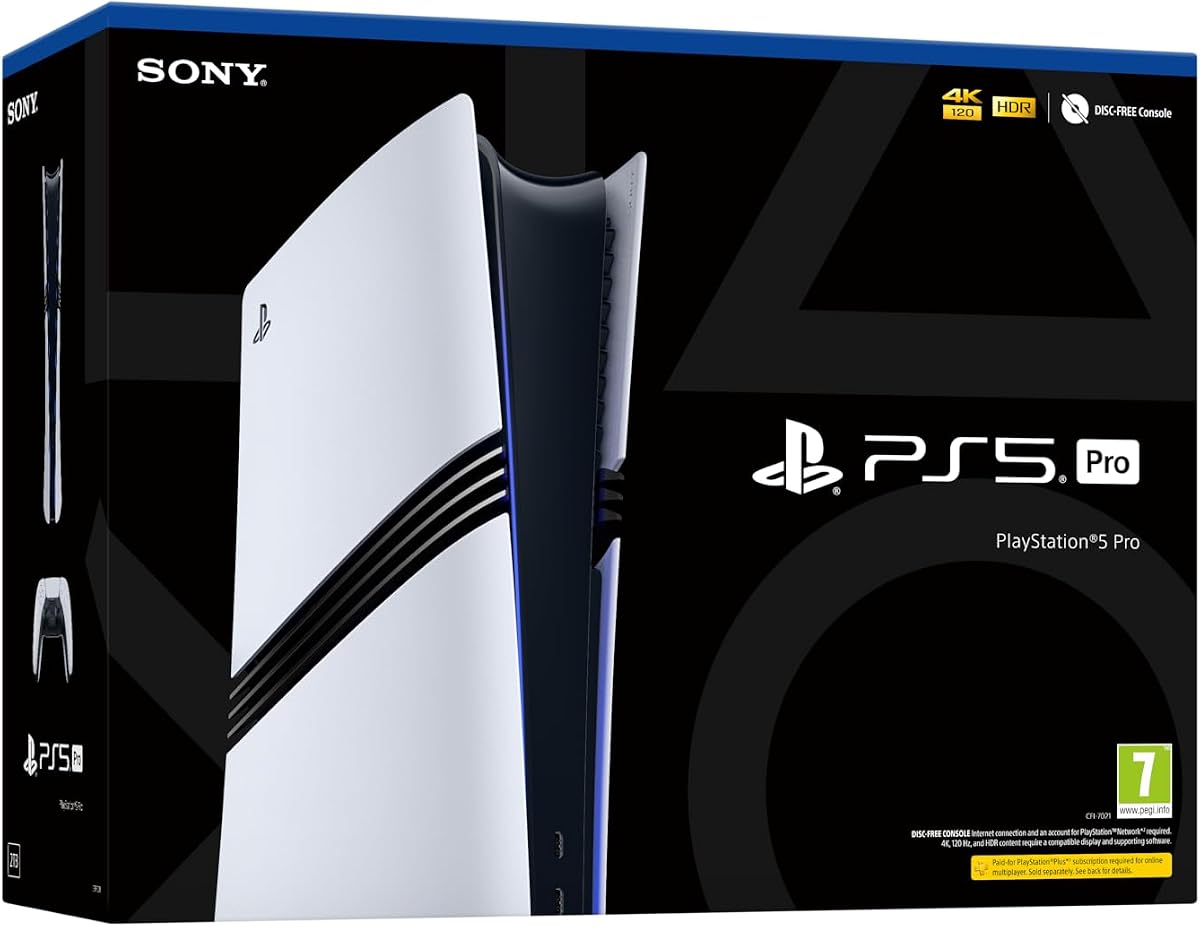
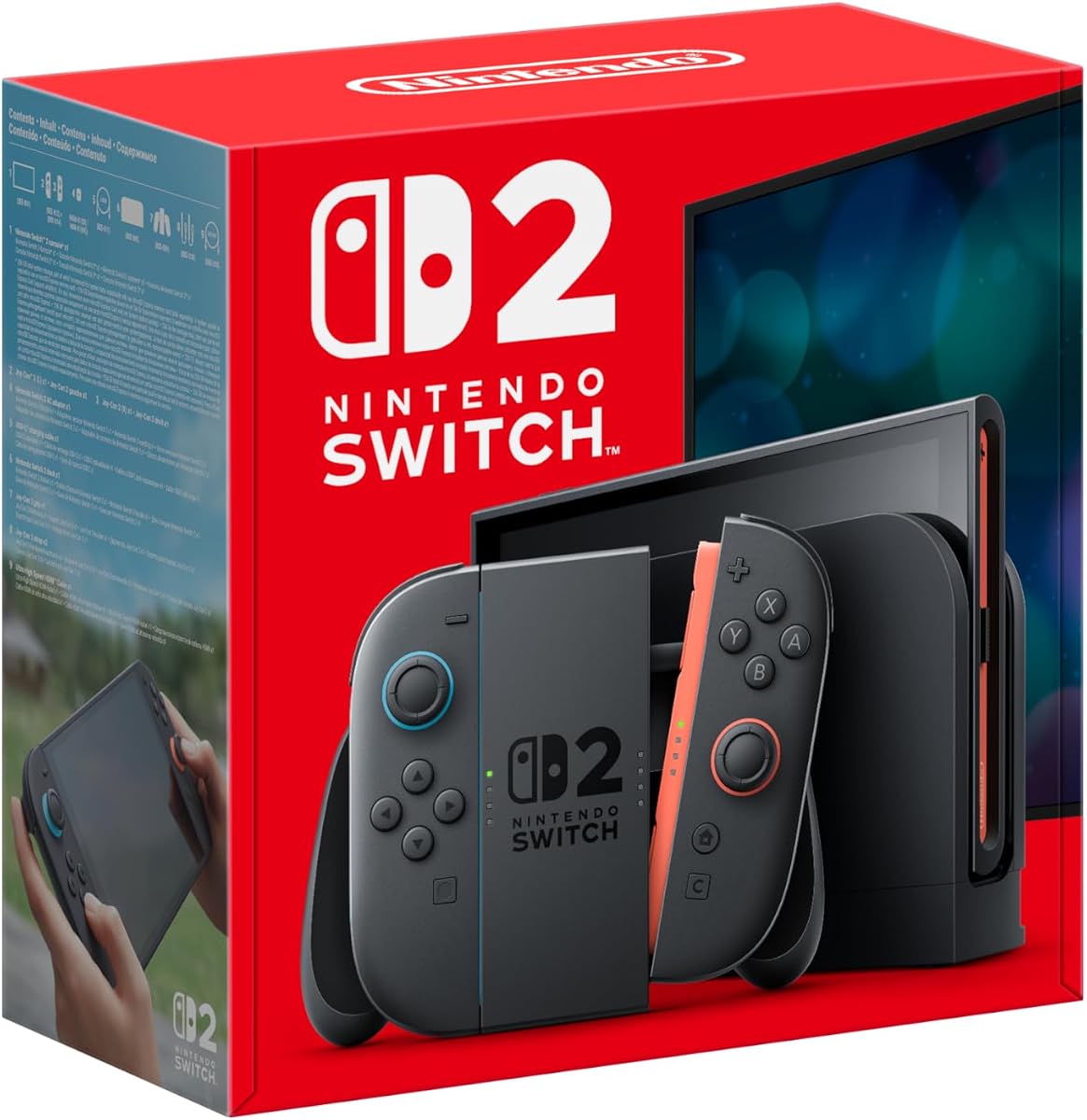
Our homepage and product pages highlight items that tend to be hard to get, such as consoles like the PlayStation 5 Pro and Nintendo Switch 2, laptops like the MacBook Neo, new graphics cards, Pokémon TCG releases, LEGO sets and the gifts that disappear every December.
These are suggestions, not a list of stores we limit you to. Each product page explains the item and gives you a box to paste a link to it from whichever store you prefer.
For the iPhone Duo specifically, we recommend our sister site iPhoneDuoFinder.com, which is built around Apple Store pickup availability.
What we check, and when
We only check the pages that customers have paid to track. That keeps checks focused and fast, and it means we are not hammering shops with requests for pages nobody is waiting on.
When you paste a link, we look at the page straight away to find the product name, photo and price where the shop makes them available. Some shops block automated visits from data centres. For those, we accept the link and start checking as soon as your alert is set up, using methods that work for that shop.
What we will never do
- We do not buy anything for you, and we never ask for your card details for a shop.
- We do not add items to your basket or log in to your accounts.
- We do not sell your email address.
- We do not charge a subscription.
Getting started
Find the product page you want, copy its link and paste it into the box on the homepage. If you are not sure where to start, browse the hot items on the homepage, or read our guide on how paste-any-link alerts work.
We will keep publishing guides and updates on this blog, including a "What's new" series so you can see every change we make to the service.
Who Every Hot Launch is for
We built the service for anyone who has ever missed out on something because they were not looking at the right page at the right moment. In practice, that tends to mean a few kinds of people:
- Gamers waiting for a console, a special edition or a controller that keeps selling out.
- PC builders watching graphics cards and processors for stock or a fair price.
- Collectors of trading cards, LEGO and designer toys, where the best products go fastest.
- Gift buyers who know exactly what someone wants and need it before a deadline.
- Deal hunters who are happy to wait for the right price on something that is usually in stock.
If you fit any of these, the same approach works: find the page you want, paste it, and let us watch.
A walk-through: your first alert, step by step
- Open the shop you want to buy from. Search for the product on that shop's own website.
- Pick the exact version. Choose colour, size, storage or edition so the page shows the one you want.
- Copy the address. On a computer, click the address bar and copy. On a phone, use the share button and choose copy.
- Paste it on Every Hot Launch. Use the box on the homepage or on any product page, then select "Check this link".
- Confirm what we found. We show you the product name, and the photo and price where the shop makes them available.
- Choose your alert. Back in stock, price drops, or both. Add a target price if you want one.
- Enter your email and pay. A flat one-off £5, shown in your local currency.
- Add faster notifications. From your manage page, connect Telegram or phone push.
From then on, you do not need to do anything until we tell you something has changed.
What to watch for when an alert arrives
An alert means the page has changed. Before you buy:
- Check the seller. On marketplaces, the seller can be different from the one you expected.
- Check the version. Make sure the page still shows the edition you chose.
- Check the price. Prices can move between our alert and your visit.
- Check delivery. Especially before holidays, make sure it will arrive when you need it.
Frequently asked questions
Which shops can I use? Any store worldwide with a product page. That includes big retailers, manufacturers' own shops and small independents.
Do I pay per product or per shop? Each alert covers one link. If you want to watch the same product at three shops, set up three alerts. Each is a one-off £5, shown in your local currency.
Is there a subscription? No. One-off fee. No subscription. There is nothing to renew and nothing to cancel.
Do you buy the product for me? No. We tell you when the page changes, and you buy directly from the shop. We never see your shop account or card details.
What if the shop blocks automated visits? We still accept valid product links from those shops, and check them using methods that work for that shop once your alert is set up.
Can I get price-drop alerts as well as stock alerts? Yes. Choose "Back in stock or price drops" to get both, or pick one. Read more in our price-drop alerts announcement.
How do I stop alerts? Every alert email has a link to your manage page, where you can switch alerts off.
What comes next
We will keep improving the service and explaining each change in our "What's new" posts. We are also publishing buying guides for launches people ask about most, such as the PS5 Pro, Nintendo Switch 2 and RTX 50 series.