Blog · What's new · 3 November 2026
What's new: product photos, faster link checks and more shops supported
Recent improvements to Every Hot Launch: a photo for every suggested product, link checks that finish in seconds and support for shops that block automated visits.
We are making regular improvements to Every Hot Launch, and this "What's new" series is where we explain each one. Here is a round-up of recent changes.
Paste a link, not a list of stores
We have simplified the site around one action. Product pages now suggest hot items, explain them and give you a single box: paste a link to this product from any store. We no longer show lists of retailers, because the right shop is the one you want to buy from.
A photo for every suggested product
Suggested products now show a photo, so you can see at a glance what each page is about. Product photos are hosted on our own site, so pages load quickly.
Faster link checks
When you paste a link, we now try several ways of reading the page at the same time and use whichever answers first. Most checks finish in a few seconds, and you see a short progress animation while we work. You will never wait more than about ten seconds.
Shops that block automated visits
Some large shops block visits from data centres, which made their links hard to check. We now accept product links from those shops straight away. Once your alert is set up, we check them using methods that work for that shop.
Price-drop alerts
The biggest change: you can now choose back-in-stock alerts, price-drop alerts or both, with an optional target price. Read the full details in our price-drop alerts announcement.
A blog
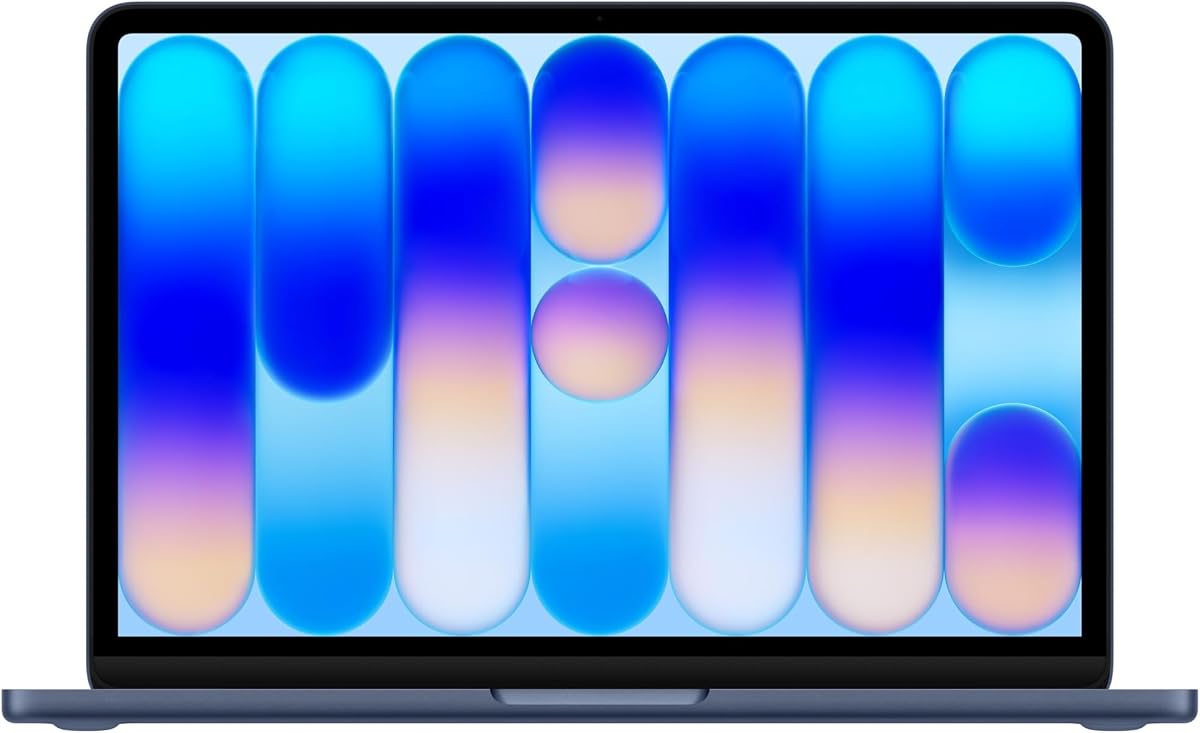
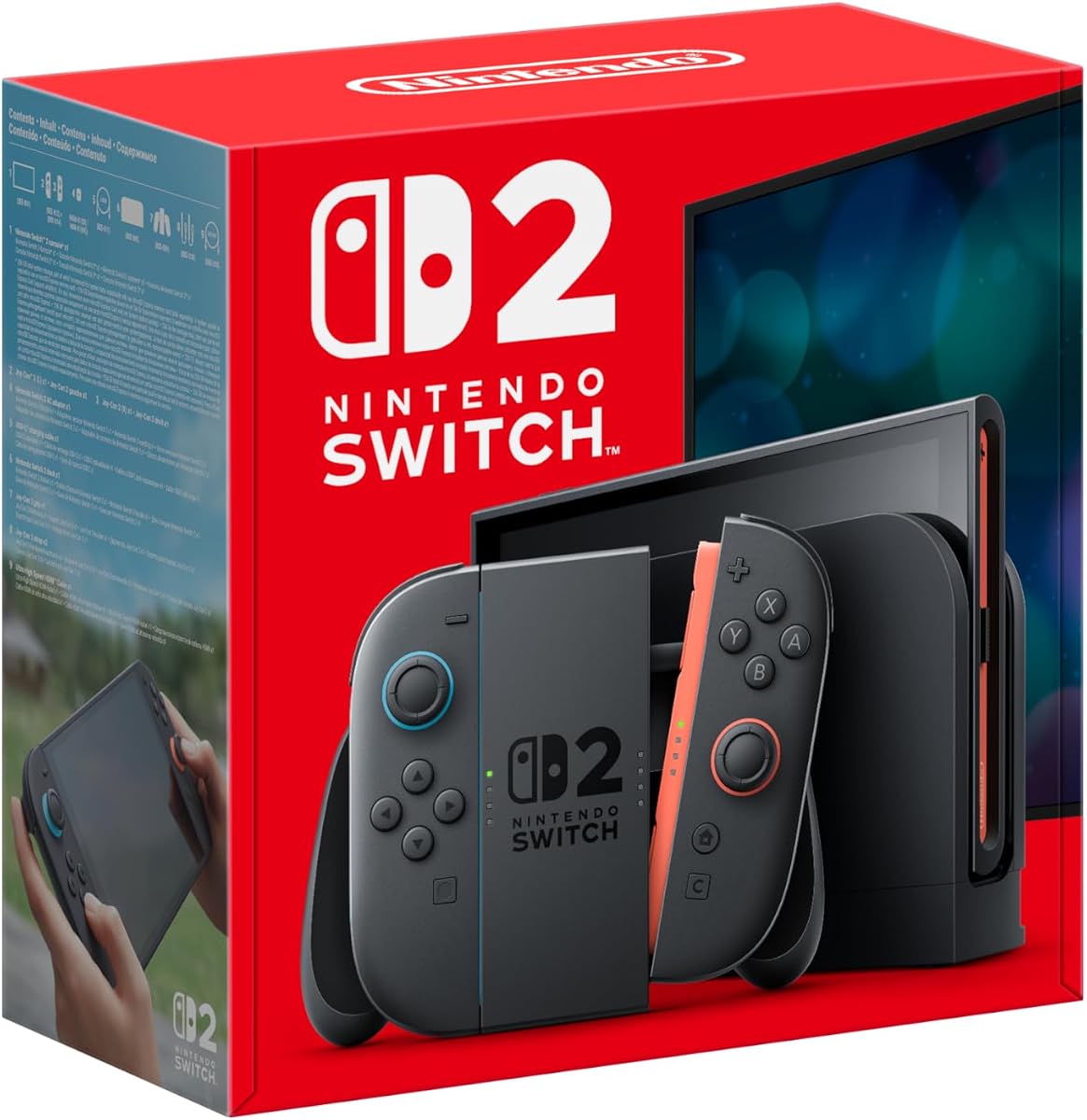
You are reading it. Alongside "What's new" posts, we are publishing buying guides for popular launches such as the Nintendo Switch 2 and MacBook Neo, plus how-to guides such as setting up Telegram alerts.
The price stays the same
Every alert is still a flat one-off £5, shown in your local currency. One-off fee. No subscription.
We will post here whenever we change something. Thanks for using Every Hot Launch.
How link checks work now, step by step
When you paste a link and select "Check this link", here is what happens:
- We check the link looks like a product page. Search, category and basket pages are not accepted, because they do not represent one product.
- We try several ways of reading the page at the same time. Different shops publish product information in different ways, so we try a few approaches in parallel.
- We use whichever answers first. That is why most checks now finish in a few seconds.
- We show you what we found. The product name, and the photo and price where the shop makes them available.
- If the shop blocks automated visits, we accept the link and check it once your alert is set up.
You see a short progress animation while this happens, so you know we are working.
Why we removed store lists
Earlier versions of the site showed lists of retailers for each product. In practice, people wanted to buy from shops that were not on any list, or wanted a specific version that a list did not cover. Pasting a link from any store worldwide is simpler and more flexible, so we made it the only way to set up an alert.
Why photos matter
Product photos help you recognise what each suggested product page is about, and they make the site quicker to browse on a phone. We host the photos ourselves, so they load quickly and do not depend on other sites.
Price-drop alerts in more detail
With the new alert types, you can choose:
- Back in stock only.
- Price drops only, with an optional target price.
- Both, the default.
We record the price when you sign up and alert you on a new lower price, or once the price reaches your target. You only hear again if it drops further. The full details are in our price-drop alerts announcement.
What to watch for after these changes
- Pending checks. For some shops, you may see a message that we will start checking once your alert is set up. That is expected for shops that block automated visits.
- Product names from links. For those shops, the name we show may come from the link itself. Check the link opens the right product.
- Prices. Where we can read a price, it is the price on the page at the time. Check it before buying.
Frequently asked questions
Did the price change? No. Every alert is still a flat one-off £5, shown in your local currency. One-off fee. No subscription.
Do my existing alerts keep working? Yes. Existing alerts continue as before.
Can I add price-drop alerts to an existing alert? Set up a new alert on the same link and choose price drops.
Where can I see future changes? In this "What's new" category on the blog, and in our RSS feed.
Coming up
We will keep improving how quickly alerts reach you, how reliably we read prices, and how easy it is to manage several alerts. Every change will be posted here.
Tips for the smoothest experience
- Copy links from the shop's own website, not from adverts or emails, for the cleanest address.
- Choose your options first, such as colour or size, before copying the link.
- Connect Telegram or push straight after paying, so your first alert reaches you quickly. Our Telegram guide explains how.
- Track several shops for hot launches. Restocks rarely happen everywhere at once.