Blog · Guides · 3 November 2026
How to set up Telegram stock alerts with Every Hot Launch
Step-by-step: connect Telegram to your Every Hot Launch alerts so back-in-stock and price-drop messages arrive on your phone instantly. Included in the one-off £5.
Email is a good backup, but when a restock lasts minutes, you want something louder. Telegram messages arrive on your phone almost instantly, they are easy to make noisy for one chat while keeping others quiet, and they work on Android, iPhone and desktop.
Telegram alerts are included in the same one-off £5 as every Every Hot Launch alert. There is nothing extra to pay.
What you need
- The Telegram app on your phone. Download it from your phone's app store and create an account if you do not have one.
- An Every Hot Launch alert you have already paid for.
Step 1: open your manage page
After you pay, we email you a confirmation with a "Manage my alerts" button. That page lists your alerts and the ways we can contact you. You can also reach it from the link at the bottom of any alert email.
Step 2: connect Telegram
On the manage page, choose the option to connect Telegram. This opens our official Telegram bot with a one-time link that ties the chat to your alerts.
In Telegram, press Start. The bot replies to confirm that your alerts are connected. From now on, every alert for that email address is also sent to this chat.
If the button does not open Telegram, make sure the app is installed, then try again. On a desktop computer, the link may open Telegram Web or the desktop app.
Step 3: make sure you actually hear it
This step is the one people skip, and it is the one that matters most.
- Unmute the chat. In Telegram, open the bot chat, tap its name and make sure notifications are on.
- Choose a distinctive sound. Telegram lets you set a custom notification sound per chat. A sound you only hear for stock alerts is hard to ignore.
- Check Focus or Do Not Disturb. On iPhone, allow Telegram in your Focus modes if you want alerts at night. On Android, check that Telegram is not restricted by battery optimisation.
What a Telegram alert looks like
A back-in-stock alert tells you the product, the shop and that it is showing as available, with a link straight to the product page. A price-drop alert tells you the new price and the price when you signed up. Tap the link, check the page and buy from the shop as normal.
Telegram and email together
We always send email as well. If your phone is off or Telegram is having a bad day, the email is still there. You can disconnect Telegram at any time from your manage page.
Telegram or phone push?
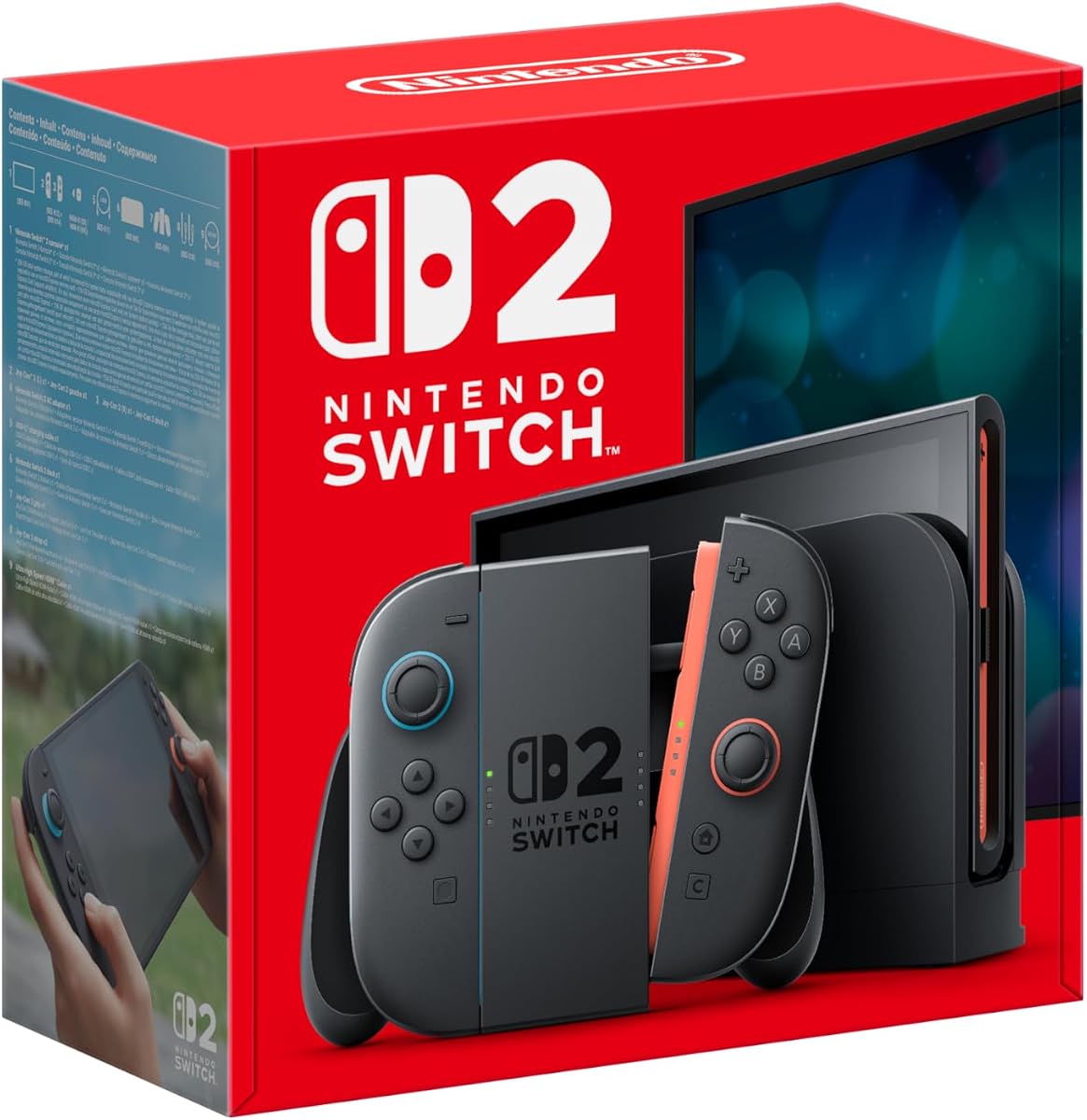
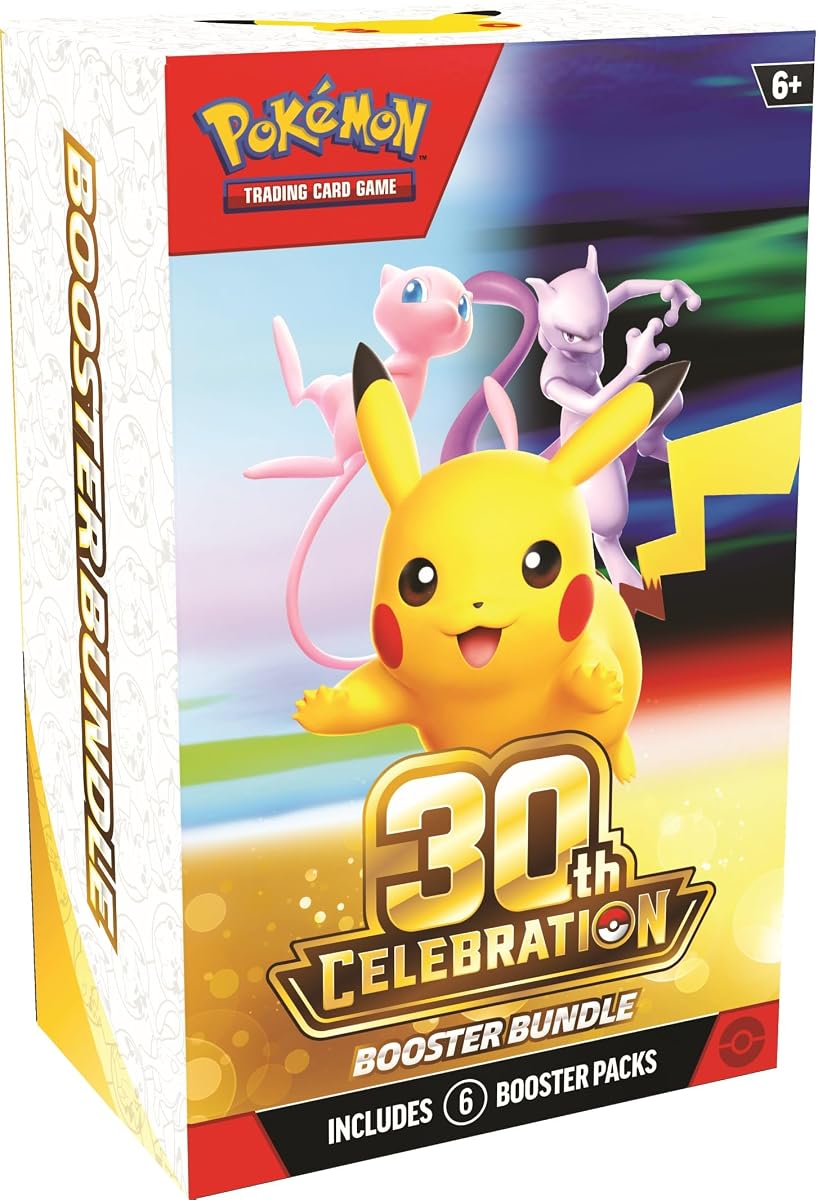
Both are included. Phone push notifications come through your browser and work well on most Android phones. On iPhone they require adding the site to your home screen first. Telegram tends to be the simplest reliable option across all devices, which is why we recommend it for launch-day restocks of things like the Nintendo Switch 2 or popular Pokémon TCG booster bundles.
Privacy
Connecting Telegram gives us a chat ID so our bot can message you. We do not see your phone number or contacts, and we only send alerts and messages you ask for. You can stop the bot at any time from inside Telegram or from your manage page.
Troubleshooting
"The bot didn't reply." Press Start again, or send /start. If that fails, reconnect from your manage page to get a fresh link.
"I got the email but no Telegram message." Check the chat is not muted or archived, and that you connected the same email address you used for the alert.
"I want alerts in a group." Alerts go to the private chat you connect. Group chats are not supported, so each person should connect their own Telegram.
Ready to try it? Paste a product link and connect Telegram after you pay.
Step by step on iPhone
- Install Telegram from the App Store and sign in.
- Open your Every Hot Launch confirmation email on the same phone and tap "Manage my alerts".
- Tap the option to connect Telegram. Your phone should offer to open Telegram.
- In the bot chat, tap Start and wait for the confirmation message.
- Go to Settings > Notifications on your iPhone, find Telegram and make sure notifications, sounds and banners are on.
- If you use Focus modes, add Telegram to the allowed apps for any Focus you use when a restock might happen.
Step by step on Android
- Install Telegram from Google Play and sign in.
- Open your confirmation email and tap "Manage my alerts".
- Tap the option to connect Telegram, then Start in the bot chat.
- Long-press the Telegram app icon, choose app info, and check notifications are allowed.
- In battery settings, set Telegram so it is not restricted. Some phones pause apps in the background to save power, which can delay messages.
Step by step on a computer
If you set up alerts on a laptop, you can still connect Telegram:
- Open your manage page in your browser and choose to connect Telegram.
- The link may open Telegram Desktop or Telegram Web. Press Start.
- Your phone will receive the same messages, because Telegram syncs chats across your devices.
Getting the most from Telegram alerts
- Pin the chat. Pinning the bot chat keeps it at the top of your list, so alerts are easy to find.
- Use a custom sound. A sound you only hear for restocks is hard to miss.
- Keep the shop app installed. When a message arrives, opening the shop's app can be quicker than a browser if you are already logged in.
- Combine with price-drop alerts. If you choose "Back in stock or price drops", both kinds of alert arrive in the same chat. See our price-drop alerts post.
What to watch for
- Only trust our official bot. We connect Telegram through the link on your manage page. Do not follow links to "stock alert" bots from strangers.
- We never ask for payment in Telegram. Your one-off £5 is paid on our website. Ignore any Telegram message asking you to pay.
- We never ask for passwords. No genuine alert will ask for your shop or Telegram login.
Frequently asked questions
Does Telegram cost extra? No. Telegram alerts are included in the one-off £5, shown in your local currency.
Can I connect more than one Telegram account? Alerts go to the chat you connect. If you need alerts somewhere else, use phone push in addition.
Will I still get emails? Yes. Email is always included as a backup.
Can I connect Telegram before I pay? The connection is available from your manage page after you pay, because it is linked to your alerts.
How do I disconnect? Use the option on your manage page, or stop the bot from inside Telegram.
Which products benefit most?
Telegram makes the biggest difference for restocks that last minutes rather than hours: consoles like the PS5 Pro, graphics cards like the RTX 5090 and trading card products such as the Pokémon 30th Celebration ETB.