Blog · What's new · 3 November 2026
New: price-drop alerts on any product link
You can now get an alert when the price of any product drops, not just when it is back in stock. Set an optional target price and we only alert you when it falls below it.
Until today, Every Hot Launch did one job: tell you when something is back in stock. Today we are adding a second: tell you when the price drops.
When you paste a product link, you now choose what you want to hear about:
- Back in stock or price drops (the default)
- Back in stock only
- Price drops only
The price is the same flat £5 one-off fee, shown in your local currency, whichever you choose. One-off fee. No subscription.
How price-drop alerts work
When you set up your alert, we record the price shown on the shop's page at that moment. That is your starting price.
Each time we check the page after that, we compare the current price with your starting price. If it is lower, we send you an alert by email, and by Telegram and phone push if you have turned those on.
We then remember that lower price. You will only get another price alert if the price drops again, below the last price we told you about. If a shop bounces its price up and down by a few pence, you will not get a stream of messages about the same deal.
Setting a target price
Sometimes any drop is not enough. If you know what you are willing to pay, enter it in the optional "only when the price is below" box.
With a target set, we stay quiet until the price is at or below your number. Then we alert you, and after that only if it drops further still.
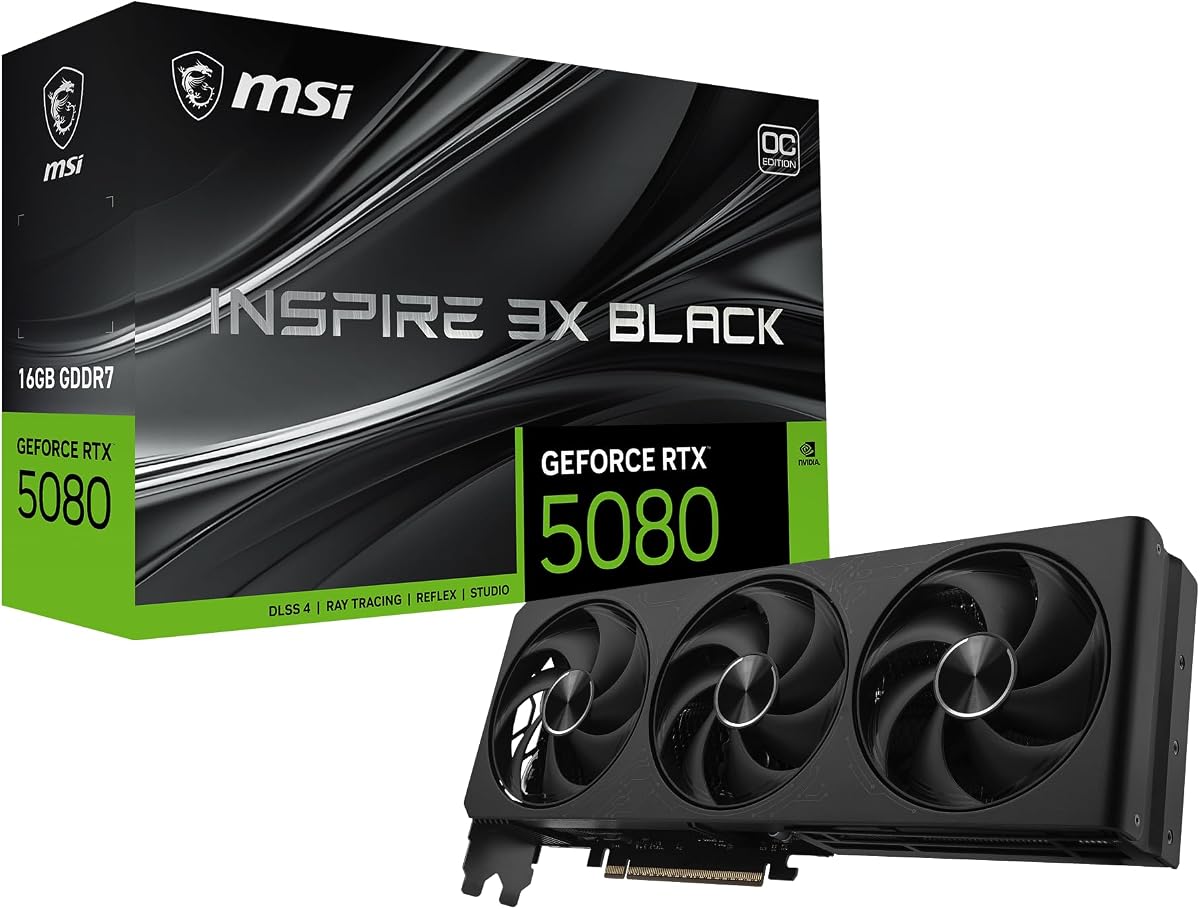
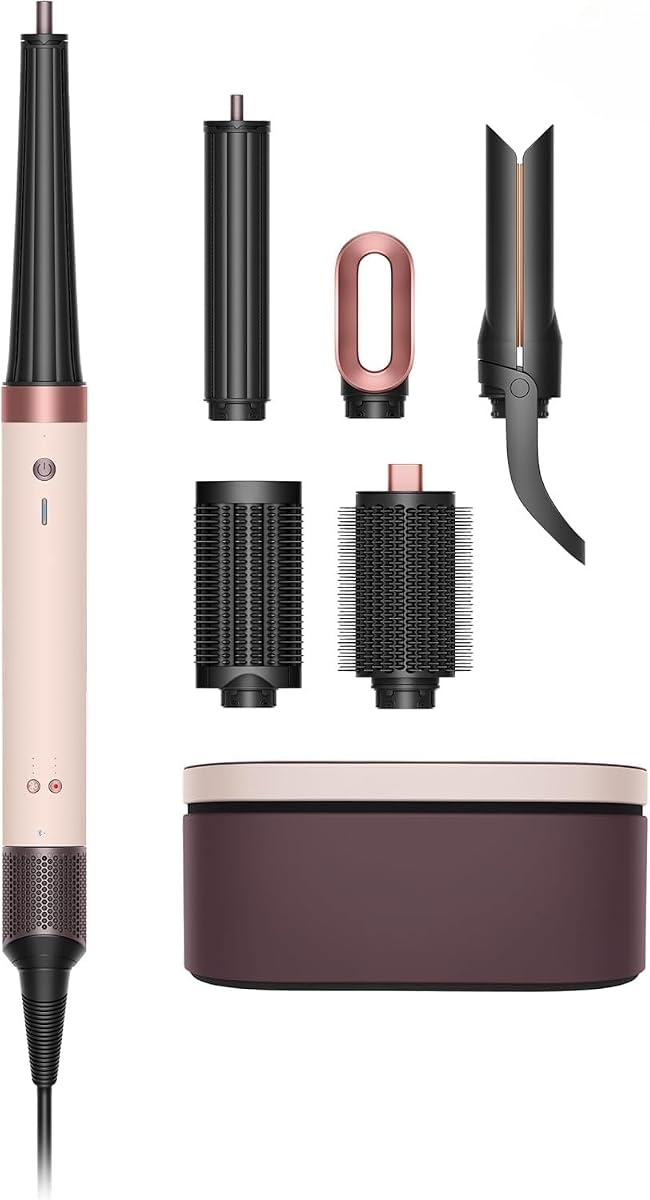
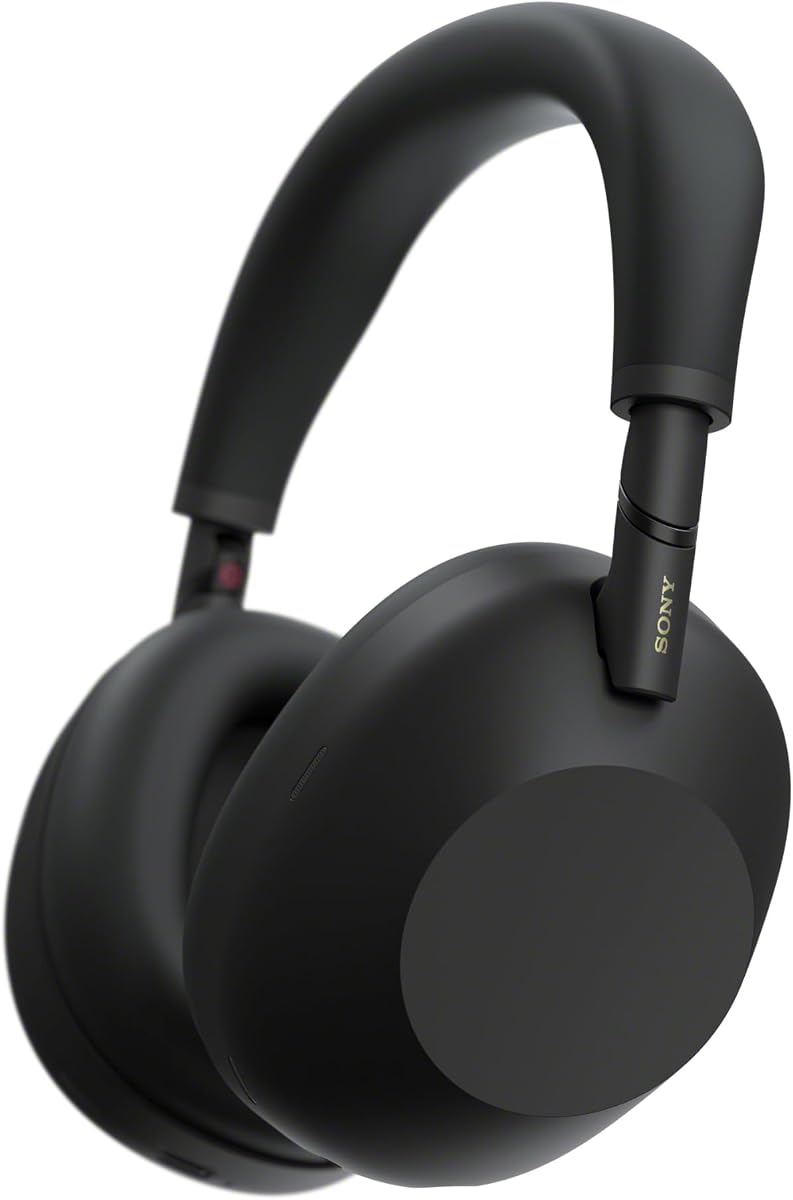
This is useful for things that rarely sell out but often go on offer, such as headphones like the Sony WH-1000XM6, hair tools like the Dyson Airwrap or a graphics card like the RTX 5080 once launch demand settles.
Stock and price together
Choosing both is the default for a reason. For many hot launches, the first thing that happens is stock comes back at full price. Later, prices start to move as supply improves. With both turned on, you hear about each change as it happens without setting up two separate alerts.
Where the price comes from
We read the price the shop itself shows on the product page. Many shops publish it in structured data that search engines also use, which makes it reliable. Where a shop does not, we read it from the page.
A few things are worth knowing:
- We compare like with like. The alert is for the page you pasted, in that shop's currency. We do not convert between currencies or compare different shops.
- Delivery costs and vouchers are not included. We read the item price on the page, not your final basket total.
- Member or app-only prices may not show. If a shop only shows a lower price after you log in, that price will not be visible to us.
- Always check before you buy. Prices can change between our alert and your visit, so look at the shop's page before you pay.
What counts as a drop
A drop is any price lower than both your starting price and the last price we alerted you about. If the shop shows a price we cannot read at all on a particular check, we simply wait for the next check rather than guessing.
How to set one up
- Copy the link of the product page you want to watch.
- Paste it into the box on the homepage and select "Check this link".
- Choose "Price drops" or "Back in stock or price drops", and add a target price if you like.
- Enter your email and pay the one-off £5 with PayPal.
That is it. You can add Telegram or phone notifications from your manage page after you pay. Our guide to Telegram stock alerts explains how.
Example: how a price alert plays out
Here is how a typical price alert behaves, without real numbers. Say a pair of headphones is on sale at a shop for its usual price when you sign up.
- You sign up. We record the usual price as your starting price.
- The shop runs a small discount. The new price is below your starting price, so you get an alert.
- The discount ends and the price goes back up. No alert: a price rise is not a drop.
- The shop runs the same discount again. No alert: it is not lower than the price we last told you about.
- A bigger sale starts. The price is lower than anything we have alerted on, so you get another alert.
With a target price set, steps 2 and 4 would be silent unless the price reached your target.
When to use a target price
A target price is the best choice when:
- You already know what a good deal looks like, for example from a previous sale.
- The product is rarely out of stock, so the only question is price.
- You want fewer messages, and only care about one specific threshold.
Leave the target blank when:
- Any saving would make you buy, for example on a gift you need anyway.
- The product is new, so you do not yet know what a good price is.
Step by step: choosing the right alert type
- Is it sold out? Choose "Back in stock". If you would also like to hear about deals, choose both.
- Is it in stock but expensive? Choose "Price drops" and consider a target.
- Is it a hot launch that might sell out and also go on sale later? Choose both, which is the default.
What to watch for
- Bundles vs standalone. A bundle page and a standalone page have different prices. Track the one you would buy.
- Marketplace sellers. On marketplaces, the lowest price may come from a different seller. Check who you are buying from.
- Pre-order prices. Some shops change pre-order prices before release. A price alert will catch a drop.
- Price-match policies. If a shop offers price matching, an alert from another shop's page might help you claim it. Check the shop's rules.
Frequently asked questions
Does choosing both cost more? No. Every alert is a flat one-off £5, shown in your local currency, whichever type you pick.
Can I change my alert type later? Set up a new alert if you need a different type or target. Your existing alert keeps running.
Do you compare prices across shops? No. Each alert watches the price on the page you pasted, in that shop's currency.
What if the shop shows a price in a different currency later? We compare prices on the same page. If a shop changes how it shows prices, check the page before buying.
Will I get an alert if the price goes up? No. Price alerts are only for drops.
Do you include delivery costs? No. We read the item price shown on the product page.
Good products for price alerts
Price alerts work well on items that are usually available but often discounted: headphones, kitchen gadgets like the Ninja Creami, large LEGO sets such as the Millennium Falcon and laptops like the MacBook Neo. For hot launches, combining stock and price alerts covers both stages.