Blog · Guides · 3 November 2026
How paste-any-link stock alerts work (and how to get the most from them)
A plain-English guide to Every Hot Launch alerts: which links to paste, what we check, how fast alerts arrive and how to set them up so you never miss a restock or price drop.
Every Hot Launch works with one input: a link to a product page. This guide explains what happens after you paste one, which links work best, and a few habits that make the difference between hearing about a restock in time and hearing about it too late.
Step 1: find the right page
The best link is the page for one specific product, on the shop you want to buy from. You usually reach it by searching the shop's site and clicking the product. The address in your browser bar is the link you want.
Good links look like a single product. They often contain words like product, /p/, /dp/ or an item number. Links that will not work well are:
- Search results, such as a page showing everything matching "PS5".
- Category pages, such as "All consoles".
- Your basket, checkout or account pages.
If you paste one of these, we will ask you for the page of a specific product instead. That is deliberate: a category page might show stock of a different bundle or colour, and an alert based on it would be misleading.
Step 2: pick the exact version
Many products come in several versions, and shops often give each one its own page. Before copying the link, select the colour, size, storage or edition you actually want. If the address changes when you do this, copy the new one.
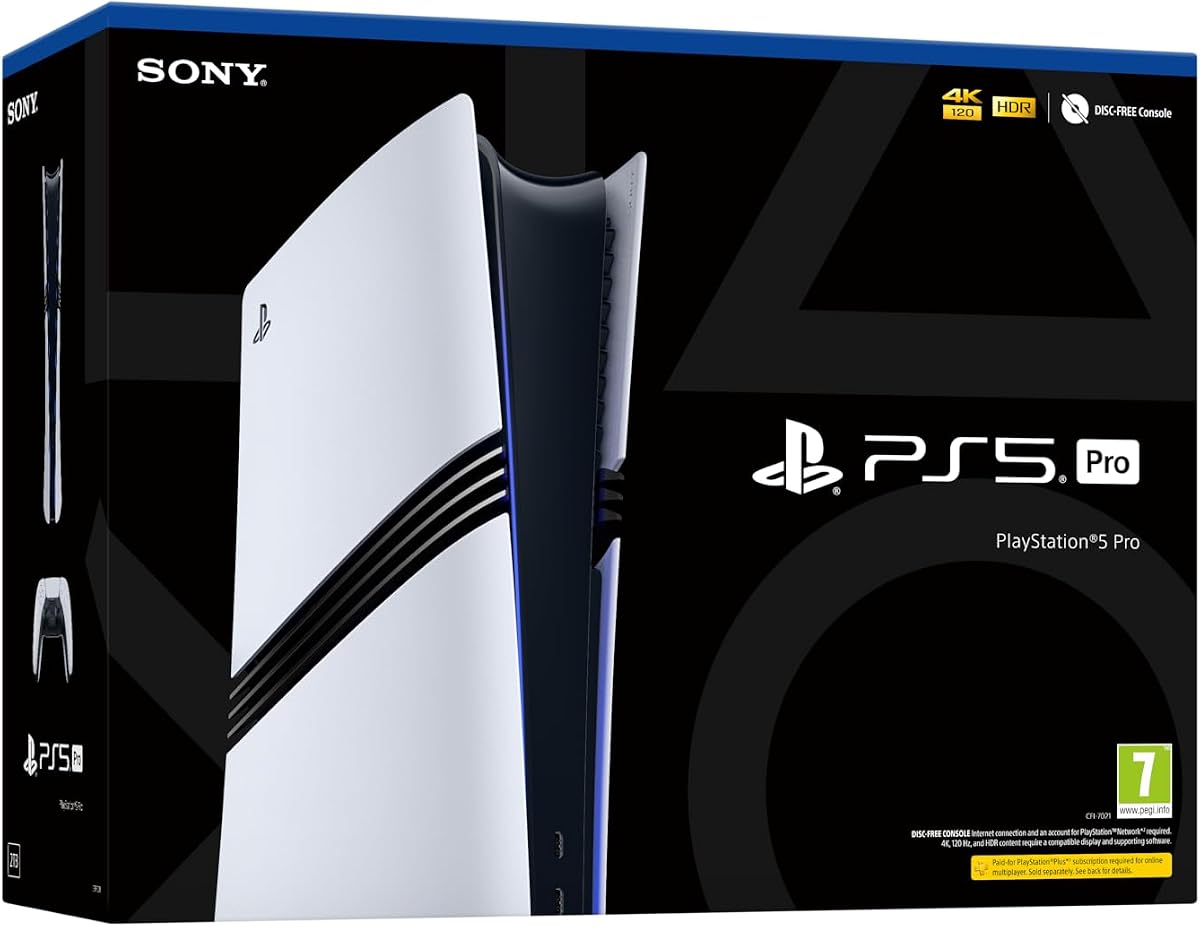
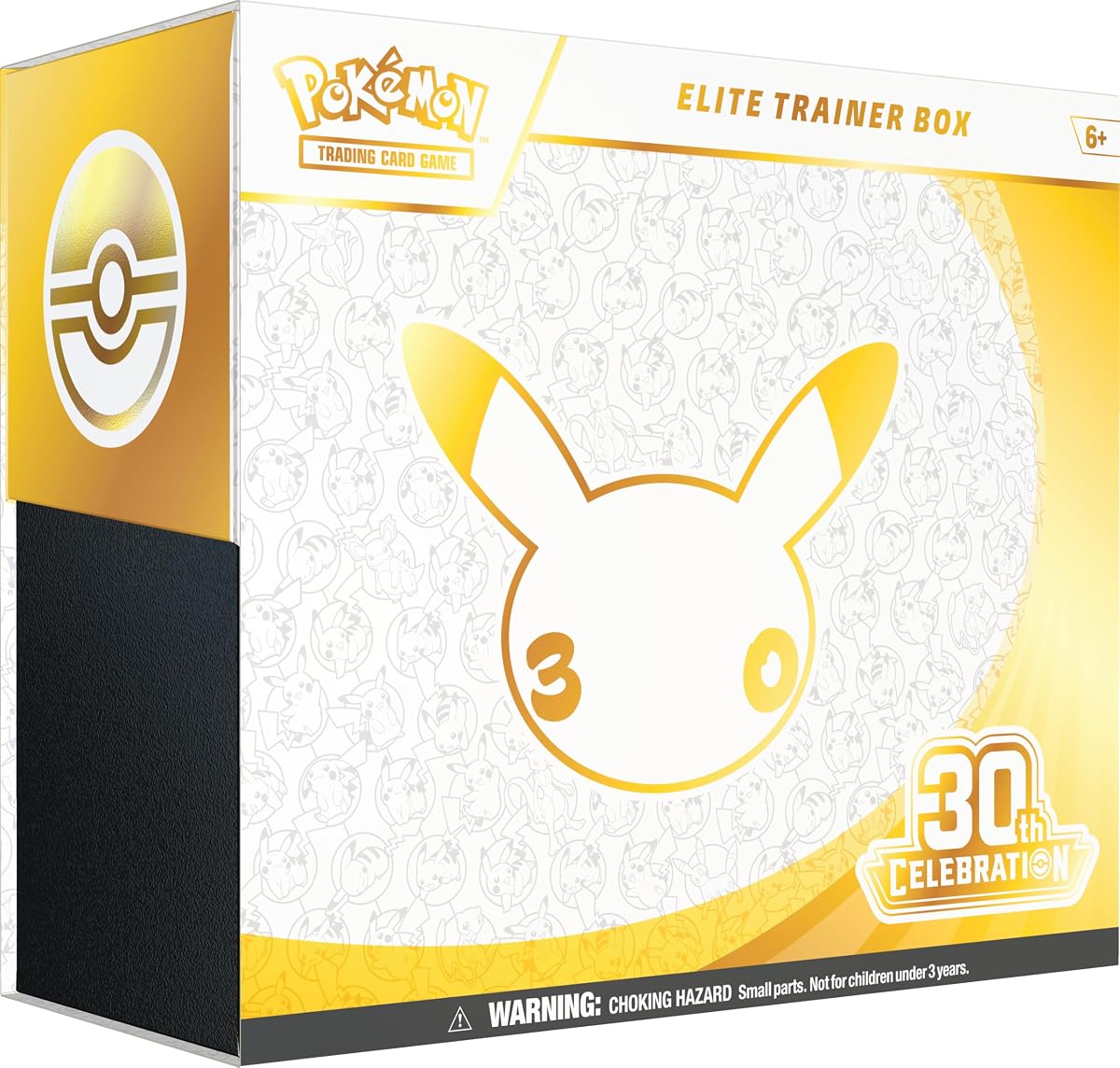
For example, a console might have disc and digital editions, and a Pokémon TCG Elite Trainer Box might have a standard and a store-exclusive version. Paste the one you would actually buy.
Step 3: paste and check
Paste the link into the box on the homepage or any product page and select "Check this link". We look at the page straight away and show you the product name, and the photo and price where the shop makes them available. This usually takes a few seconds.
Some shops block automated visits from servers. When that happens we still accept a valid product link, show you the product name from the link, and start checking as soon as your alert is set up.
Step 4: choose your alerts
You can choose:
- Back in stock: we alert you when the page shows the item can be bought or pre-ordered.
- Price drops: we alert you when the price falls below the price when you signed up, and again only if it falls further. You can add a target price.
- Both, which is the default.
The price is a one-off £5, shown in your local currency. One-off fee. No subscription.
Step 5: choose how to be told
Every alert includes email. After you pay, your manage page lets you add:
- Telegram: a message from our Telegram bot, which arrives instantly on your phone. See our Telegram setup guide.
- Phone push: a notification from your browser, which works on most Android phones and on iPhone when the site is added to your home screen.
For hot launches, we strongly recommend turning on at least one of these. Email is reliable, but it is easy to miss a message in a busy inbox.
What happens when stock comes back
When we see the page change from sold out to available, we send your alert straight away with a direct link to the shop's page. You buy from the shop as normal. We never touch your basket or your payment.
If the item sells out again and later comes back, you will get another alert. You do not need to sign up again.
Tips that genuinely help
Track more than one shop. Restocks rarely happen everywhere at once. If you would be happy buying from three shops, paste all three.
Have your account ready. Log in to each shop in advance, with your address and payment details saved. On launch-week restocks, the time between alert and checkout matters.
Keep notifications on. Check that your phone is not silencing Telegram or browser notifications, especially overnight. Many restocks happen early in the morning.
Read the page before paying. Make sure the price, edition and seller are what you expect. Marketplace listings in particular can change sellers.
Be wary of resellers. If an item is only available far above its normal price, it is often worth waiting. Our guide to avoiding scalpers covers what to look for.
Ideas for what to track
You can track anything with a product page, but these are the kinds of things people most often watch:
- New consoles and special editions, like the PlayStation 5 Pro.
- Graphics cards in their first months after launch.
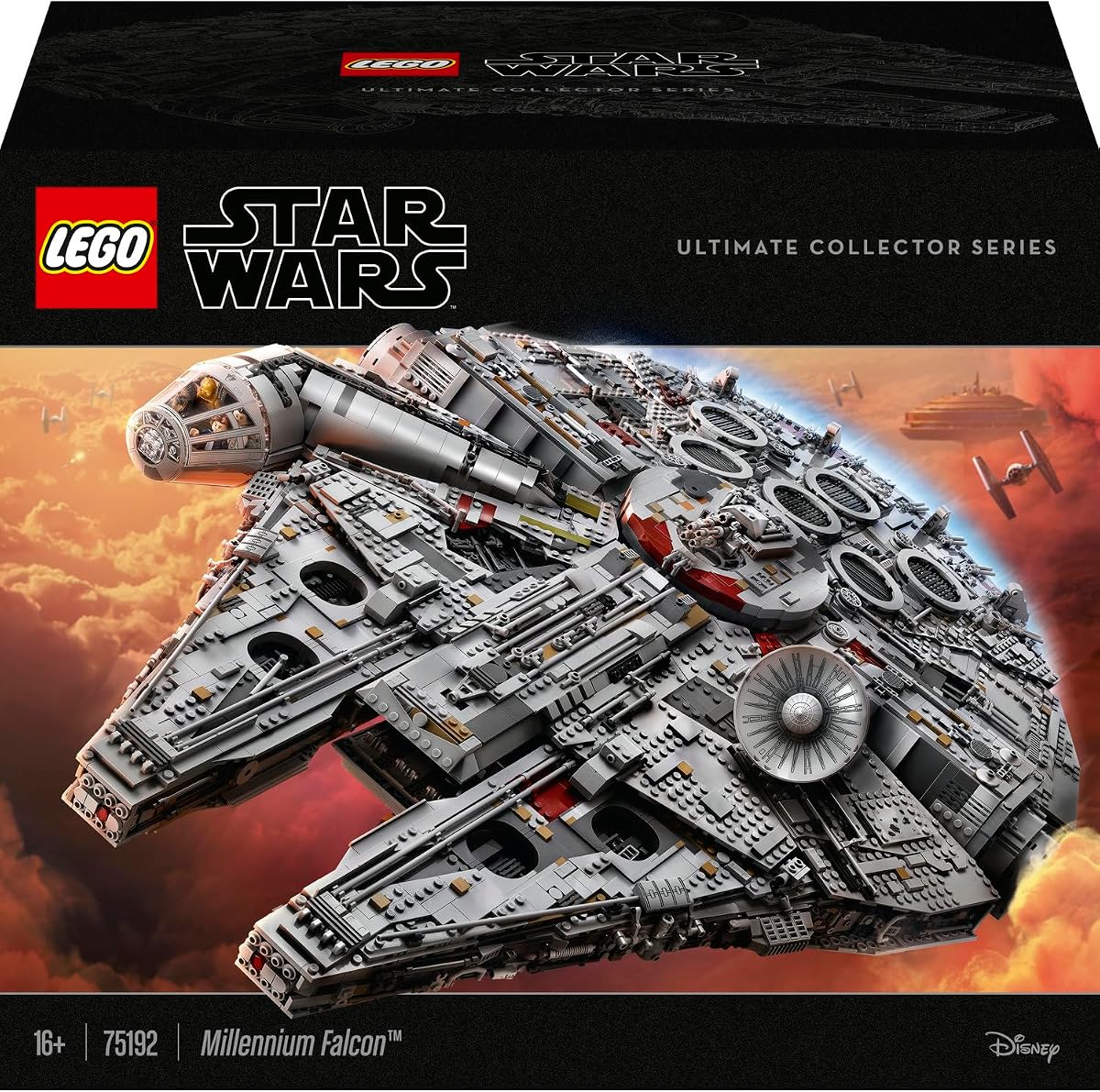
- Collectible sets, from Pokémon TCG to large LEGO models such as the Millennium Falcon.
- Big-ticket items you want on sale, with a target price set.
If you have questions, the FAQ on our homepage covers the details, and you can always email us.
Where to find the right link on different kinds of shop
Large retailers. Search for the product, click the result, and choose any options. The address usually includes a product number.
Manufacturer stores. These often have one page per model, with colour and storage selectors. Check that the address changes when you choose an option; if it does, copy the updated one.
Marketplaces. Pages often show many sellers. The alert watches the page itself, so check the seller when the alert arrives.
Small independent shops. Many use common shop platforms with clear product pages. These are often the easiest to read and the quickest to check.
Shops in other countries. You can paste links from any store worldwide. Check that the shop delivers to you before you set up an alert.
Copying links on a phone
- In a browser: tap the address bar, then select and copy the full address.
- In a shop's app: look for a share button on the product page, then choose "Copy link".
- Shortened links: if the shop gives you a shortened link, paste it anyway. If we cannot use it, open it in your browser first and copy the full address.
What to watch for
- Tracking codes in links. Links copied from emails or adverts sometimes include long tracking codes. They usually still work, but a clean product address is best.
- Region redirects. Some shops redirect you to your local site. Make sure the link you copy is for the shop you want to buy from.
- Sold-out pages that disappear. Occasionally, a shop removes a sold-out product page completely. If the shop later creates a new page for the restock, you will need to paste the new link.
- Product variants on one page. If one page covers several colours, the stock shown may be for the default option. Choose the option first and copy the link it gives you, if it has its own address.
Frequently asked questions
How quickly will I hear about a restock? We check paid pages regularly and send alerts as soon as we see a change. Turning on Telegram or phone push gets the alert to your phone fastest.
Why did you say my link isn't a product page? It was probably a search, category or basket page. Open one product and copy that page's link instead.
Can I track a whole range? Each alert watches one product page. For a range, set up alerts for the specific items you want.
What if the product name you show looks wrong? Some shops hide details from automated visits. If the name looks wrong, check the link opens the right product in your browser.
Can I share an alert with a friend? Alerts go to the email address and devices you connect. Your friend can set up their own alert on the same link.
Do you add the product to my basket? No. We never touch your basket or shop account.
A checklist before launch day
- Paste links for every shop you would buy from.
- Connect Telegram or push.
- Log in to each shop and save payment and delivery details.
- Check your phone's Focus or Do Not Disturb settings.
- Decide in advance which version you will buy if your first choice is gone.